
AutoCAD Web Alternatives: 5 Options for 2D CAD (2026)
Compare AutoCAD Web alternatives for 2D drafting in 2026: BranchCAD, ARES Kudo, Onshape, LibreCAD and QCAD, with pricing, DWG support and version history.
- #autocad-alternative
- #autocad-web
- #online-cad
- #2d-cad
- #dwg-editor
- #cad-collaboration
If you're looking for an AutoCAD Web alternative, you probably want the same basic thing AutoCAD Web promises: open a drawing in a browser, make changes, and share it, without installing desktop CAD. The good news is that you have real options in 2026. The catch is that they solve different problems, and "free" and "online" mean different things depending on the vendor.
I'm Hamish, and I build BranchCAD, one of the tools on this list. Read that section with my bias in mind. I've tried to describe every tool, ours included, by what it does and where it stops.
Quick answer: the best AutoCAD Web alternatives
- BranchCAD if you do 2D drafting in a team and the pain is revisions, review and duplicate files. Browser-based, free plan, with version history and Git-style branching.
- ARES Kudo if you need to edit DWG files natively in a browser with a large AutoCAD-style command set.
- Onshape if your work is 3D mechanical design, not 2D drawings.
- LibreCAD if you want free, open-source 2D CAD and don't mind installing it.
- QCAD if you want a traditional desktop 2D tool, with DWG support in the Professional edition.
The rest of this guide explains the trade-offs, with a comparison table and a short test plan to run before you move a real project.
What an AutoCAD Web alternative needs to do
Feature lists won't tell you much. Start with the work. For most 2D users, the tool has to:
- open the formats the rest of the project uses (usually DWG, sometimes DXF or PDF)
- draft accurately with coordinates, snaps, layers and dimensions
- run on whatever computer you're at, including a lower-spec laptop
- let someone review a drawing without creating another copy
- keep a revision history you can recover from
- export something your clients and contractors can open
One distinction trips people up. A free CAD program is not automatically an online CAD program. LibreCAD and QCAD are good free or low-cost tools, but you install them on a computer, so they don't solve the "work from any browser" problem that AutoCAD Web solves.
AutoCAD Web: what you get and what it costs
AutoCAD Web is Autodesk's browser and mobile version of AutoCAD. It gives you familiar drafting tools in a simplified interface: a command line, layers, measurement and dimension tools, MTEXT editing, and Trace, which lets reviewers add feedback to a DWG without changing the drawing itself. It opens files from Autodesk Drive and Autodesk Docs as well as OneDrive, Google Drive, Dropbox and Box. See Autodesk's AutoCAD Web feature list for the current set.
On pricing, Autodesk offers free DWG viewing and a 30-day trial for creating and editing. After that, editing needs a paid AutoCAD Web subscription. At the time of writing it's listed at around US$10 per month or US$100 per year, and it's included with full AutoCAD and AutoCAD LT subscriptions. Check Autodesk's site for your region before you decide.
AutoCAD Web suits people who already work in the Autodesk ecosystem and need high-fidelity DWG round-trips. People usually look elsewhere for one of three reasons: they don't want another Autodesk subscription, they need a free plan that doesn't expire, or the hard part of their work is managing revisions between several people, which AutoCAD Web doesn't focus on.
The alternatives
1. BranchCAD: browser-based 2D CAD with version control
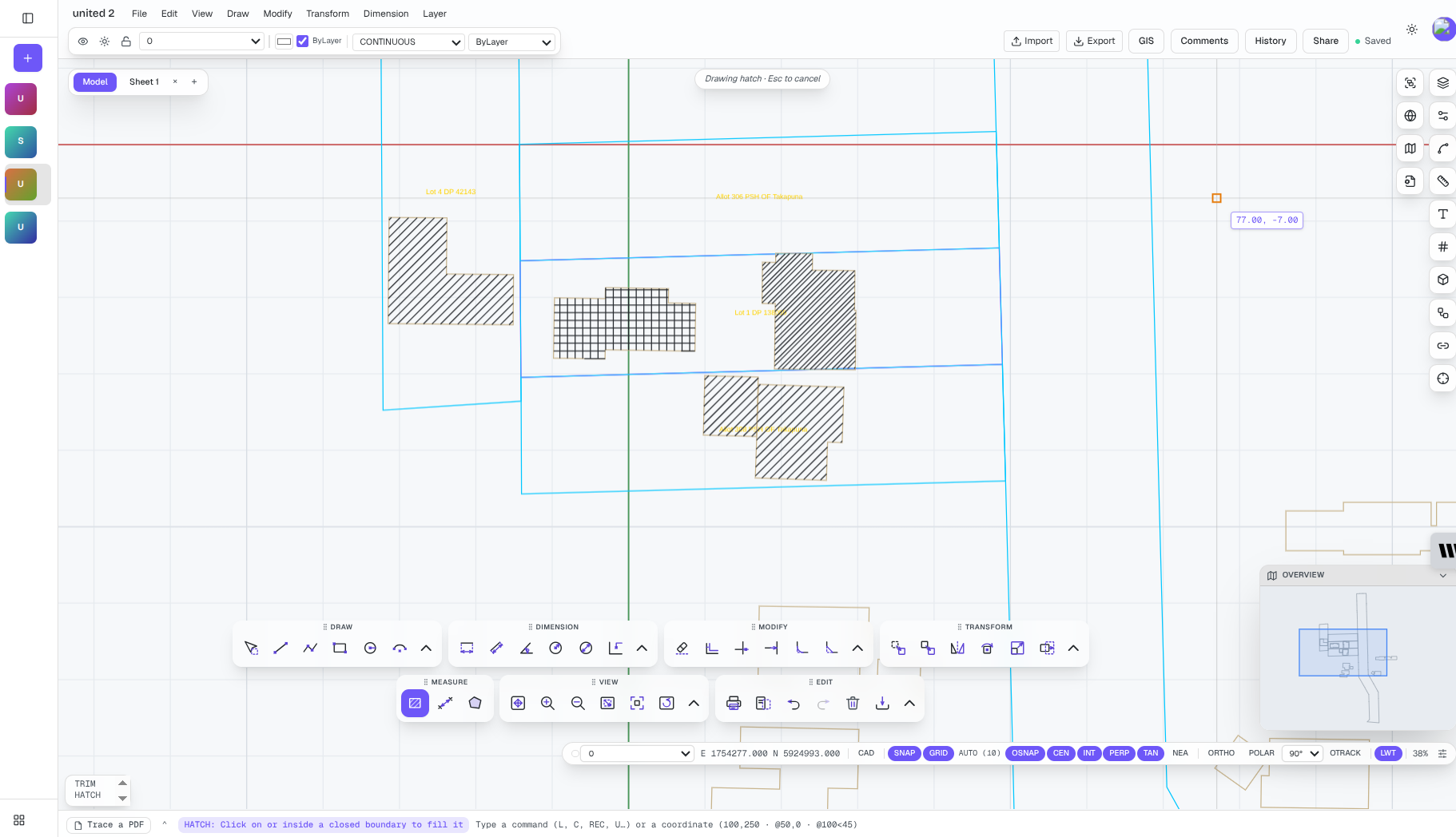
BranchCAD is 2D CAD that runs in a browser tab. There's nothing to install, and it's free to start without a credit card. You draft with grid snapping and a live coordinate readout, and you can import DWG and DXF files or drop a PDF in as an underlay to trace over.
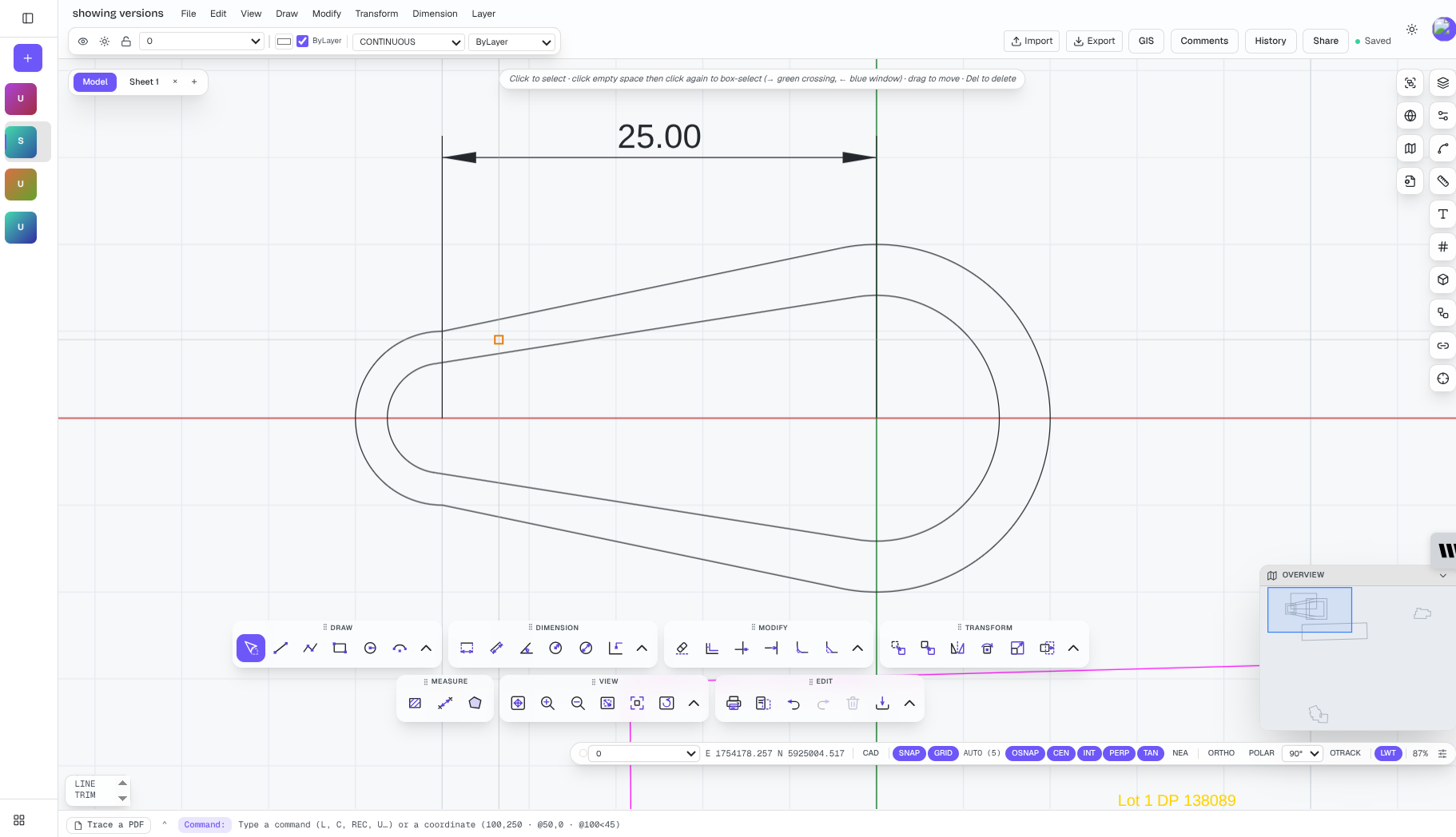
The reason I built it is revision management. Most teams I've worked with still email files called bracket_FINAL_use-this.dwg and argue about which copy is current. BranchCAD keeps one shared drawing with a history:
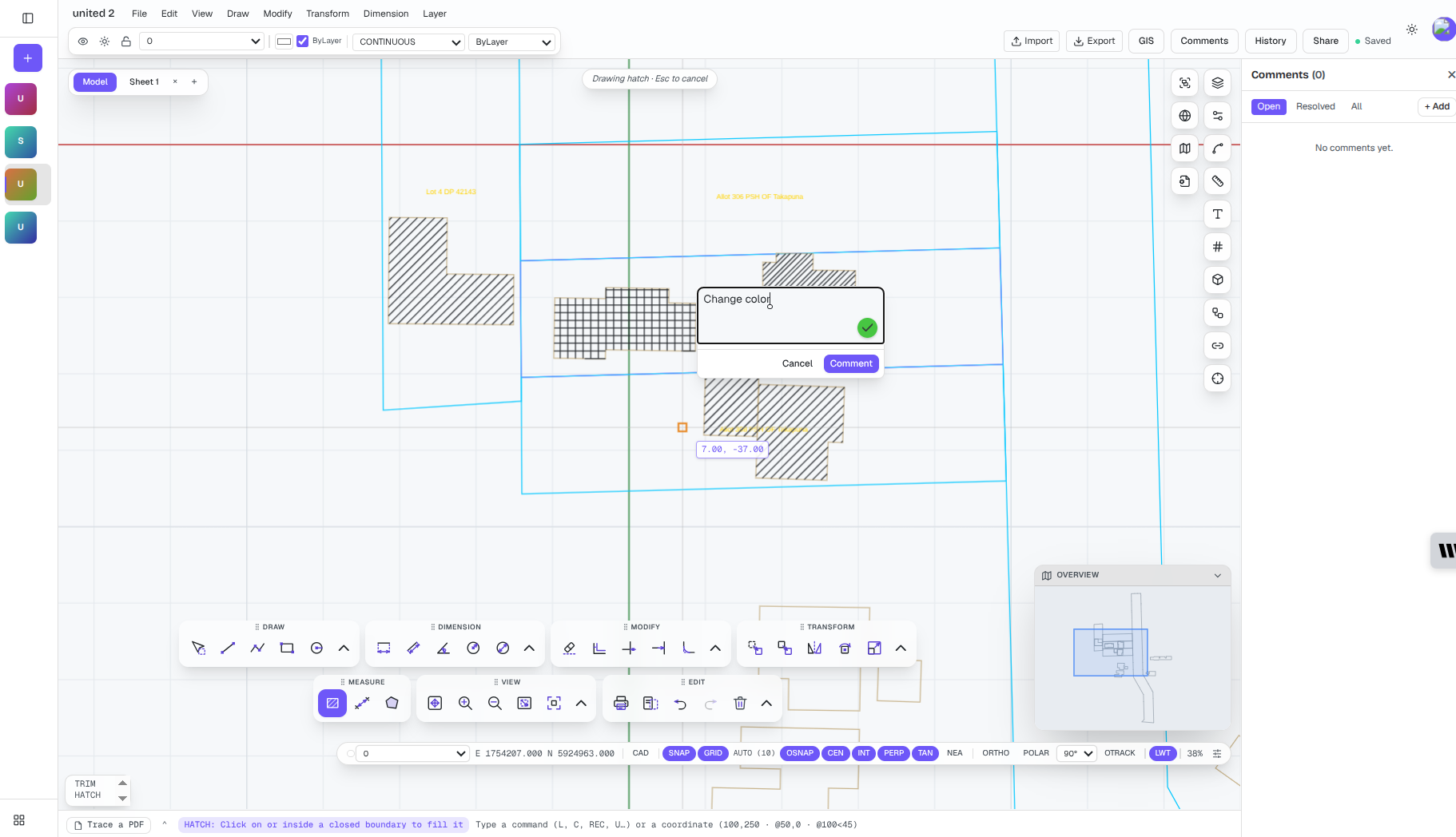
- Real-time collaboration: Teammates work on the same canvas, with live cursors, selections and comments on the geometry.
- Version history and restore: Every edit is tracked, so you can see who changed what and roll back with one click.
- Branching and merging: Try a change on a branch without touching the main drawing, review a visual diff, then merge it back. It works much like a pull request in software. The CAD branching and merging guide explains how a three-way merge decides what's safe to combine.
- View-only share links: A client or reviewer opens the drawing in a browser with no account and no CAD seat.
Pricing at the time of writing:
| Plan | Price | Main limits |
|---|---|---|
| Free | $0 | 1 active project, 2 collaborators (view and comment), 5 exports a month, 30-day version history with restore, 100 MB storage |
| Pro | $5/month, billed annually | Unlimited projects, exports and editing collaborators, full version history, branching, advanced visual diff, 5 GB |
| Team | $24/month, billed annually | Everything in Pro, up to 10 seats, 20 GB shared storage |
| Enterprise | Custom | Retention policies, SSO, audit export |
See current BranchCAD pricing for the latest figures.
Where it falls short: BranchCAD is 2D only, and it isn't a one-for-one AutoCAD clone. It imports DWG but exports DXF, PDF and SVG, not DWG. If your client requires a native DWG deliverable, or you rely on AutoLISP routines or specialised toolsets, keep AutoCAD in the workflow for that step. It also doesn't model terrain, strata or 3D parts.
Best for: engineers, drafters, small studios and students doing 2D drawings, plans and schematics, especially teams that lose time to file versions and markup rounds. Try BranchCAD free in your browser.
2. ARES Kudo: the closest like-for-like DWG editor
ARES Kudo from Graebert is the most direct substitute for AutoCAD Web. It's a browser-based CAD editor that works natively in DWG and DXF, with more than 300 2D drafting features, dimensioning, an online block library, and comments and markups for review. It connects to Google Drive, OneDrive, Dropbox and Box, and the paid plan includes ARES Touch for editing on Android and iOS.
The free version covers DWG viewing, measuring, comments and view-only links. Creating and editing drawings needs the paid Professional plan, billed annually. Graebert also sells ARES Trinity, which bundles the browser, desktop (ARES Commander) and mobile apps in one licence.
Where it falls short: editing isn't free, and collaboration centres on comments, markups and shared files more than on branching or merging drawing changes.
Best for: AutoCAD users who want a familiar command set and native DWG editing in a browser at a lower price than full AutoCAD.
3. Onshape: browser-based 3D CAD
Onshape is a cloud-native CAD platform for 3D mechanical and product design: parts, assemblies and parametric models, with built-in versioning and real-time collaboration. It runs entirely in a browser, and it was among the first CAD tools to bring branching and merging to design data.
Where it falls short: it's a different category from AutoCAD Web. Its 2D drawings come from 3D models, so it isn't built for drafting site plans, floor plans or schematics from scratch. The Free plan is meant for hobbyists and makers. Documents created on it are public, and Onshape's terms rule out commercial use on that plan.
Best for: mechanical engineers and product designers who work in 3D.
4. LibreCAD: free, open-source desktop 2D CAD
LibreCAD is mature, free and open-source 2D CAD for Windows, macOS and Linux. It works natively in DXF and has the drafting tools most 2D users expect: layers, blocks, snaps and dimensions.
Where it falls short: it's a desktop application, so it's not a browser replacement for AutoCAD Web. DWG support is limited, and collaboration and revision control depend on whatever file sharing your team already uses.
Best for: individuals who want capable 2D drafting without a subscription and don't need browser access.
5. QCAD: traditional desktop 2D drafting
QCAD is another established desktop 2D CAD tool. The free Community Edition works with DXF. The paid Professional edition adds DWG support and extra tools, and it's a one-off purchase, not a subscription.
Where it falls short: like LibreCAD, it isn't browser-based, and team review happens outside the tool.
Best for: people who want classic desktop drafting at a low one-time cost.
If you only need to view DWG files
You may not need an editor at all. Autodesk's free Autodesk Viewer opens DWG and many other formats in a browser, and DWG TrueView is a free desktop viewer. ARES Kudo's free tier also handles viewing and markups. If the task is "open the file the consultant sent and measure something", start there.
AutoCAD Web alternatives compared
| Tool | Runs in a browser | 2D or 3D | DWG support | Free option | Version history and branching |
|---|---|---|---|---|---|
| AutoCAD Web | Yes | 2D drafting (views 3D) | Native DWG | Free viewing, 30-day editing trial | Cloud file versions, Trace for review |
| BranchCAD | Yes | 2D | Imports DWG and DXF; exports DXF, PDF, SVG | Yes, ongoing free plan | Version history on all plans; branching on Pro, merging on Team |
| ARES Kudo | Yes | 2D | Native DWG | Free viewing and markups | Comments and markups, drawing comparison |
| Onshape | Yes | 3D (drawings from models) | Imports and exports DWG/DXF | Free plan, public and non-commercial | Built-in versions, branching and merging |
| LibreCAD | No (desktop) | 2D | DXF native, limited DWG | Yes, open source | Handled outside the tool |
| QCAD | No (desktop) | 2D | DWG in Professional edition | Community Edition | Handled outside the tool |
Plans and features change often, so check each vendor's current documentation before you commit.
Which AutoCAD Web alternative should you choose?
Stay with AutoCAD Web if DWG fidelity comes first
If clients expect native DWG, you rely on AutoCAD-specific commands, or you already pay for AutoCAD or AutoCAD LT (which include AutoCAD Web), switching may cost more than it saves.
Choose ARES Kudo for the most familiar DWG workflow
It's the closest match to AutoCAD Web's feature set, with native DWG editing at a lower price.
Choose BranchCAD if revisions and review are the real problem
If drafting is fine but your team keeps losing time to duplicate files, unclear markups and "which version is current?", BranchCAD puts history, branching and live collaboration in the drawing itself. The free plan is enough to try it on a real project. For more on the review side, see how to run a CAD drawing review like a pull request and why emailing final_v3.dwg breaks down.
Choose LibreCAD or QCAD if you work alone and offline
Both are solid desktop tools at little or no cost. Neither gives you browser access.
Choose Onshape if you design in 3D
It's built for parts and assemblies, not 2D plans.
Test a copy before you move a real project
Never migrate your only copy of an important drawing. Pick a representative project and run this check in the new tool:
- Import a copy of the DWG or DXF.
- Check units, scale, layers, text, dimensions, blocks and line types.
- Make a typical edit, then save or export it.
- Open the exported file in the software your client or contractor uses.
- Plot a PDF and compare it with the original.
- Ask a colleague to review the drawing so you test the collaboration workflow as well as the drafting.
Half an hour with a real drawing tells you more than any comparison article, this one included.
Frequently asked questions
Is there a free alternative to AutoCAD Web?
Yes, but the free options differ. BranchCAD has an ongoing free plan for browser-based 2D CAD, with limits on projects, collaborators and exports. ARES Kudo's free tier lets you view and mark up DWG files but not edit them. LibreCAD is free and open source, but it's desktop software. AutoCAD Web itself offers free viewing and a 30-day editing trial, then needs a paid subscription.
Is AutoCAD Web free?
No, not for editing. Autodesk provides free DWG viewing and a 30-day trial to create and edit drawings. After the trial, editing requires an AutoCAD Web subscription, which is also included with AutoCAD and AutoCAD LT subscriptions.
What is the best browser-based alternative to AutoCAD Web?
It depends on your work. For native DWG editing with an AutoCAD-style command set, ARES Kudo is the closest match. For collaborative 2D drafting with version control, BranchCAD is built for that job. For 3D mechanical design, Onshape is the browser-based choice.
Can I edit DWG files online for free?
You can view and mark up DWG files online for free with Autodesk Viewer or ARES Kudo's free tier. Free editing is rarer. BranchCAD's free plan lets you import a DWG and edit it in the browser, then export DXF, PDF or SVG. For a native DWG round-trip, you'll usually need a paid plan from Autodesk or Graebert. Test a copy of your own drawing first, since import fidelity varies between tools.
Does BranchCAD replace AutoCAD?
Not for every workflow. BranchCAD focuses on browser-based 2D drafting, collaboration and drawing history. If you depend on specialised AutoCAD toolsets, custom routines or native DWG output, keep AutoCAD for those steps until you've tested compatibility.
Is LibreCAD an online CAD program?
No. LibreCAD is a desktop application for Windows, macOS and Linux. It's free and open source, but it doesn't run in a browser.
Can several people edit the same CAD drawing at once?
In some tools, yes. BranchCAD and Onshape both support real-time editing by several people on the same file. In BranchCAD, every edit is also versioned, so you can see who changed what and restore an earlier state. See our guide to real-time collaborative CAD for how this works in practice.
Further reading
- Best free online CAD software in 2026: 10 tools compared
- Best CAD collaboration software: 12 tools compared
- What is version control for CAD?
- Browser-based CAD: what you can do in a browser
Try it with a real drawing
The right AutoCAD Web alternative is the one that handles the drawings you produce, the way your team works. If you need native DWG, look at ARES Kudo or stay with Autodesk. If your team spends more time reconciling markups and duplicate files than drafting, open BranchCAD, import a copy of a current drawing, and try a change on a branch. It's free to start, with no credit card.